
The NTSA App gives users in Kenya a mobile way to access online NTSA services provided by National Transport and Safety Authority (NTSA). After installing the NTSA mobile application on your smartphone, you can easily sign in and access the NTSA services supported through the mobile platform, providing a convenient alternative to accessing services through a web browser.
If you already have NTSA App installed on your smartphone, you can log in using the account credentials required by the application i.e. eCitizen login details (email address or ID number). This guide explains how to log in to NTSA App, taking you through the process of opening the application, entering your login details, and accessing your account successfully.
READ ALSO:
What is NTSA App?
The NTSA App is a mobile application developed to provide users in Kenya with convenient access to selected online NTSA services from National Transport and Safety Authority (NTSA). It allows users to interact with supported NTSA online services directly from a compatible smartphone instead of accessing them exclusively through a web browser.
The NTSA mobile application provides a mobile platform through which users can access available licence and motor vehicle-related services. Depending on the services supported by the NTSA app, users can sign in to their account and manage the relevant NTSA services directly from their mobile device.
What is NTSA App Login?
NTSA App Login is the process of signing in to your account through the NTSA mobile application. It allows registered users in Kenya to access the online NTSA services and information available within the NTSA mobile app after their login details have been successfully verified by the system.
To complete the NTSA App login, you need to provide the credentials required by the application on the sign-in screen. Once your details are accepted, you can access your account and use the supported NTSA services available through the app.
Requirements Needed To Log In To NTSA App
To log in to the NTSA App, you need the login details associated with your eCitizen account. You can use either your National ID number or email address to identify your eCitizen account during the login process. The requirements needed to log in to the NTSA App are:
- eCitizen Account Login Details (ID Number or Email Address)
Once you have your National ID number or email address and the other required eCitizen login details ready, you can proceed to access the NTSA App. The process involves opening the application, selecting the eCitizen login option, entering your account details, and completing the authentication process.
How To Log In To NTSA App
With your eCitizen account details ready, you can proceed to sign in to the NTSA App. The login process involves opening the application, selecting the appropriate eCitizen login option, entering your National ID number or email address, and following the prompts to authenticate your account. Follow the steps below to log in to the NTSA App:
- Step 1: Open NTSA App
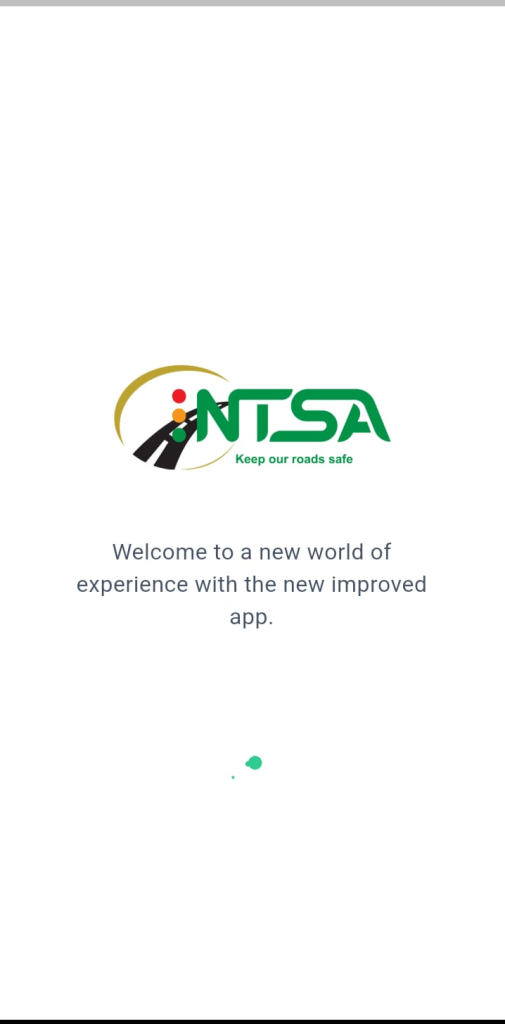
Locate the NTSA App on your smartphone and tap its icon to launch the application. Wait for the app to load fully until the login screen is displayed, allowing you to begin the sign-in process.
- Step 2: Enter Email or ID Number
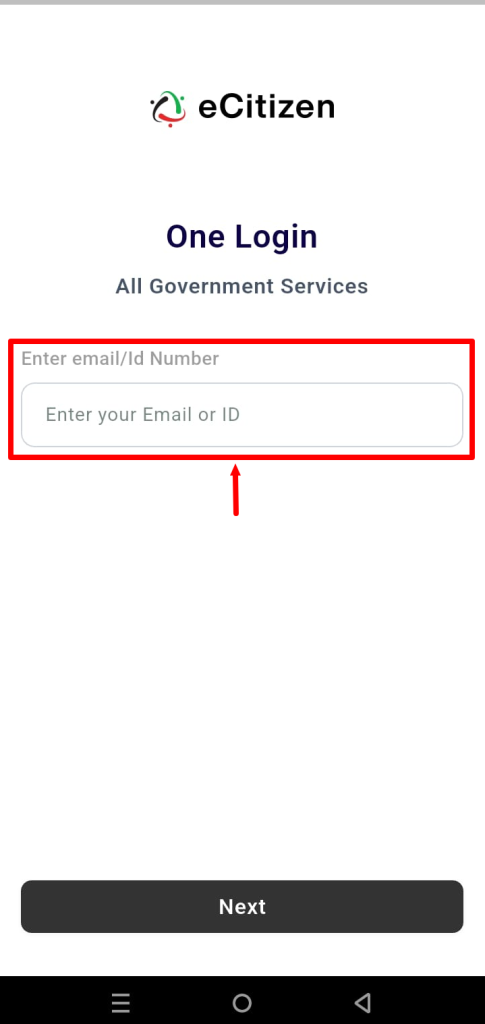
On the NTSA App login screen, enter the email address or National ID number linked to your eCitizen account in the required field. Make sure the details you provide are correct before proceeding to the next step.
- Step 3: Click Next
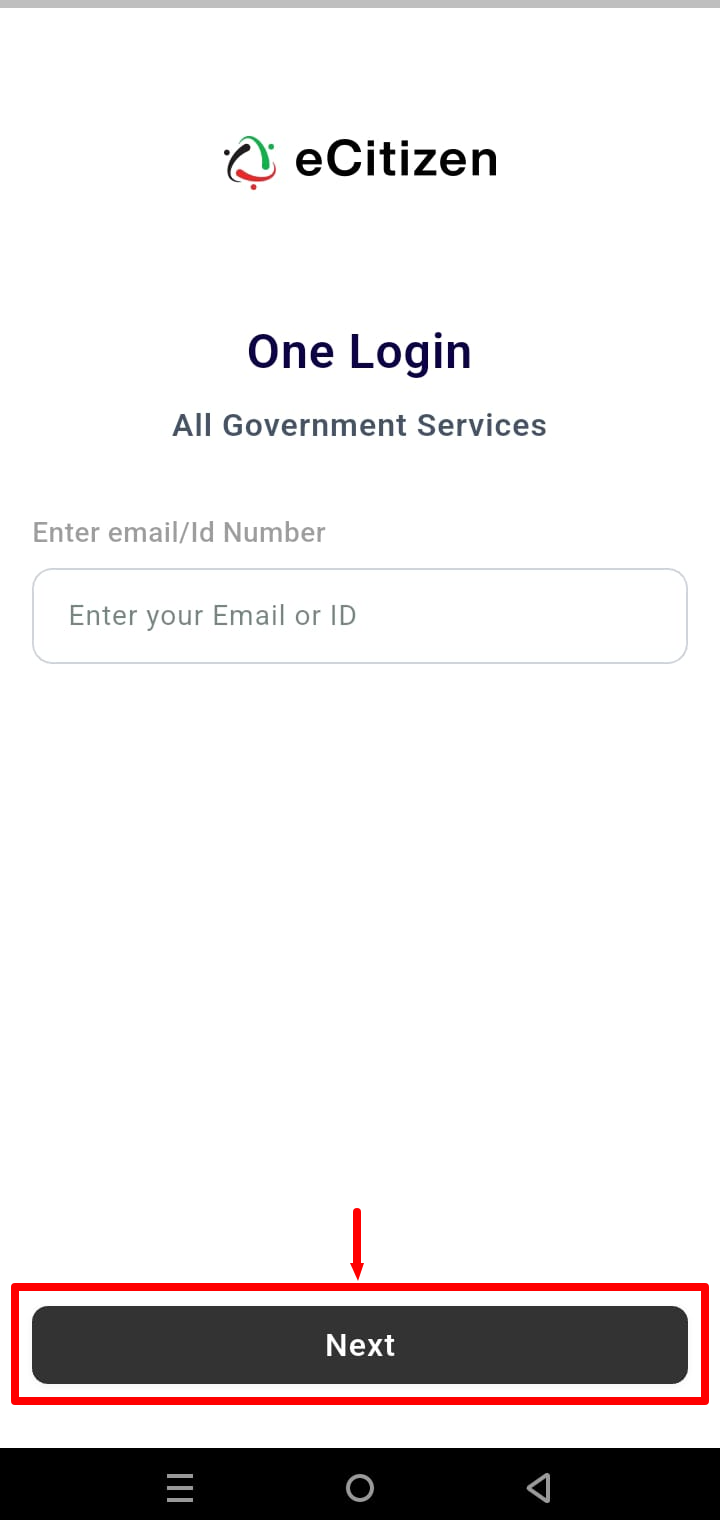
After entering your email address or National ID number, review the information to ensure it is accurate. Tap Next to submit the details and proceed with the account verification process.
- Step 4: Enter OTP Verification Code
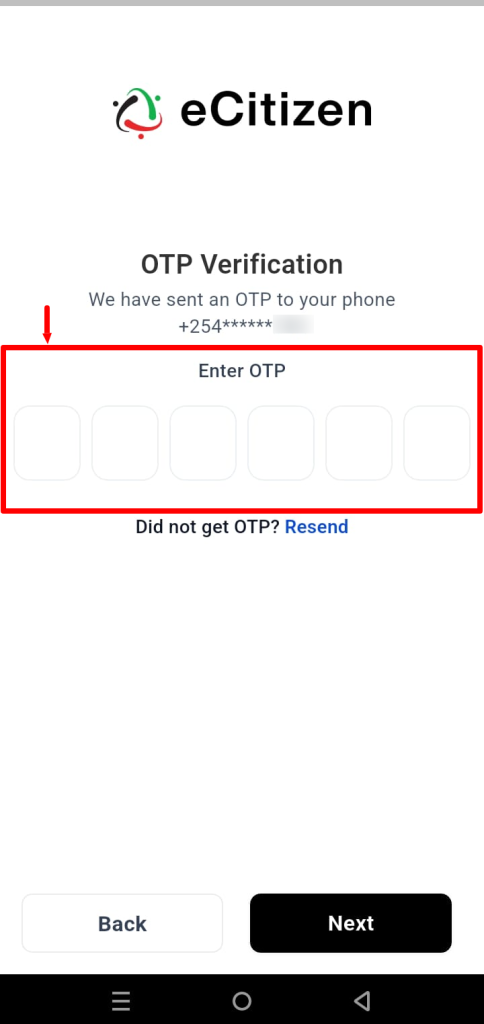
Check the contact details linked to your eCitizen account for the OTP verification code sent during the login process. Enter the OTP in the designated field on the NTSA App, ensuring that you enter the code correctly.
- Step 5: Click Next
Once you have entered the OTP verification code, tap Next to submit the code for verification. The application will process the code and, if it is correct, proceed with signing you into your account.
- Step 6: NTSA App Login Successful
If the OTP is verified successfully, you will be logged in to the NTSA App and granted access to your account. You can now proceed to use the NTSA services and features available through the application.
Overview: NTSA App Login
To begin the login process, open the NTSA App on your smartphone and select the option to sign in using your eCitizen account. Enter the email address or National ID number associated with your eCitizen account, then click Next to proceed. An OTP (One-Time Password) verification code will then be sent to the contact details linked to your account.
READ ALSO:
Enter the OTP verification code received in the required field and click Next to submit it for verification. If the code is correct, you will be successfully logged in to the NTSA App and can proceed to access the supported NTSA services available through your account.